


Improved transparency and usability through user-centric design
Its smart functions for line integration offer immediate added value for line applications, so they can be used immediately and without further configuration. GEA SmartControl HMI enables more than just integration with GEA equipment – it also provides access to third-party user interfaces. The new GEA SmartControl HMI platform delivers unprecedented levels of transparency over current and historical process data and events. The highly modular and hygienic hardware design of the multi-touch display allows for ergonomic operation that meets even the most complex user requirements.
Available for:
GEA SmartControl HMI is now available for GEA OptiSlicer, GEA PowerPak PLUS and GEA SmartPacker.
Improved user-friendliness thanks to user-oriented design
- Context-sensitive searches; for example by recipe, parameter, alarm or change log events
- Simplified and standardized navigation for different machine types
- Increased process reliability due to role-based user administration with authorization management
- Easy dashboard overview with the most needed parameters and KPI's for the equipment
- Modular maintenance friendly and hygienic, multi-touch display
- Access manuals, electric diagrams and spare parts list directly at the Machine HMI
Transparent process information & recipe handling
- Timeline function provides instant overview of what is happening at the machine
- Complete transparency over the process history and parameter changes enabling easy analysis
- Recipe management with automatic recipe versioning to easily restore previous versions
- Sophisticated search function gives insight into all alarm history for better analysis
HMI integration into the line
- Integration of different user interfaces in the line
- Thanks to the system's open design also older GEA machines and 3rd pary equipment can be integrated
- Helps increase operator productivity and easy access
- Easy handling from one user interface for the complete line
Retrofitting a GEA SmartControl HMI
The new GEA SmartControl HMI can also be retrofitted to existing machines, adding value and new functions to previously installed units as well. Depending on the year of manufacture, this can be done by replacing the HMI system or upgrading the control system to the latest standard.
Key features
Key featuresNew role-based user management

Permission assignments to role
A new role-based user management with fine granular permission system supports better adaptation to the needs of your team structure. Raise process safety and reflect responsibilities according to your organisational setup. The management of individual users is accompanied by more comfort. For example, the language selected by the user is automatically set when logging in. Several methods are support for authentication. It starts with simple shared passwords, supports the usage of RFID transponders, and goes as far as the usage of Active Directory (LDAP) for a central management.
Timeline

Timeline shows all important events at a glance
The new timeline feature gives an immediate overview on what happened at the machine. Showing constantly the performance and important events, it brings users instantly up to date. Was a parameter changed? Since when is the machine stopped? Look at the timeline. Need to align with a colleague of the next shift? Look at the timeline.
Advanced recipe management

Recipe versioning lets you track when and by whom changes where made
Managing recipes (process parameters) is an important step to establish good control of the process. Undocumented changes to recipes will not be a hassle for you anymore. GEA SmartControl HMI provides automatic recipe versioning. Saving a recipe automatically creates a new version and by that makes changes traceable (when and who). Mistakes can easily be undone by restoring previous versions.
Line integration

Line View gives access to other user interfaces (incl. 3rd-party)
A food processing line can be long and not all equipment is easily accessible. GEA SmartControl HMI allows integration of user interfaces from equipment in the line to facilitate the access. The open design allows not only to integrate GEA SmartControl equipment, also older GEA machines, or third-party equipment. Devices like printers or weighers can be accessed at ease by the operator, raising ergonomics and efficiency of the line.
Multi-HMI scenarios

Access to other GEA SmartControl HMI devices
If two or more HMIs are required for an efficient operation of the equipment, the new GEA SmartControl HMI supports multi-HMI scenarios. This allows for example to place HMIs in different hygienic areas with true concurrent operation.
Downloads

Servis Ürünleri

PR-OLEO® Premium-Kalite Amonyak Soğutma Yağları
PR-OLEO® premium-kalite amonyak soğutma yağları, pistonlu veya vidalı kompresörlü amonyaklı soğutma sistemlerinde kullanılmak üzere özel olarak formüle edilmiş, çok iyi rafine edilmiş 2-aşamalı hidrokrakingle parçalanmış yağlardır.

GEA Omni Retrofit Paneli
Vidalı ve Piston Kompresör Kontrolü için Sezgisel Dokunuş. Güçlü, ancak ulaşılabilir. Beyinsel, ancak sezgisel. Sofistike, ancak basit. Tek kelimeyle - GEA Omni.

Vidalı ve pistonlu kompresörler için GEA Servis Kitleri
Vidalı ve pistonlu kompresörlere yönelik GEA Servis Kitleri ile basitlik dünyasına hoş geldiniz. Misyonumuz çok nettir - orijinal yedek parça deneyiminizi kusursuz ve faaliyetlerinizi her zamankinden daha sorunsuz hale getirmek. “Sakin kalın, bir kit kullanın”, bu sadece bir slogan değil, tuttuğumuz bir sözdür.
GEA İçgörüleri
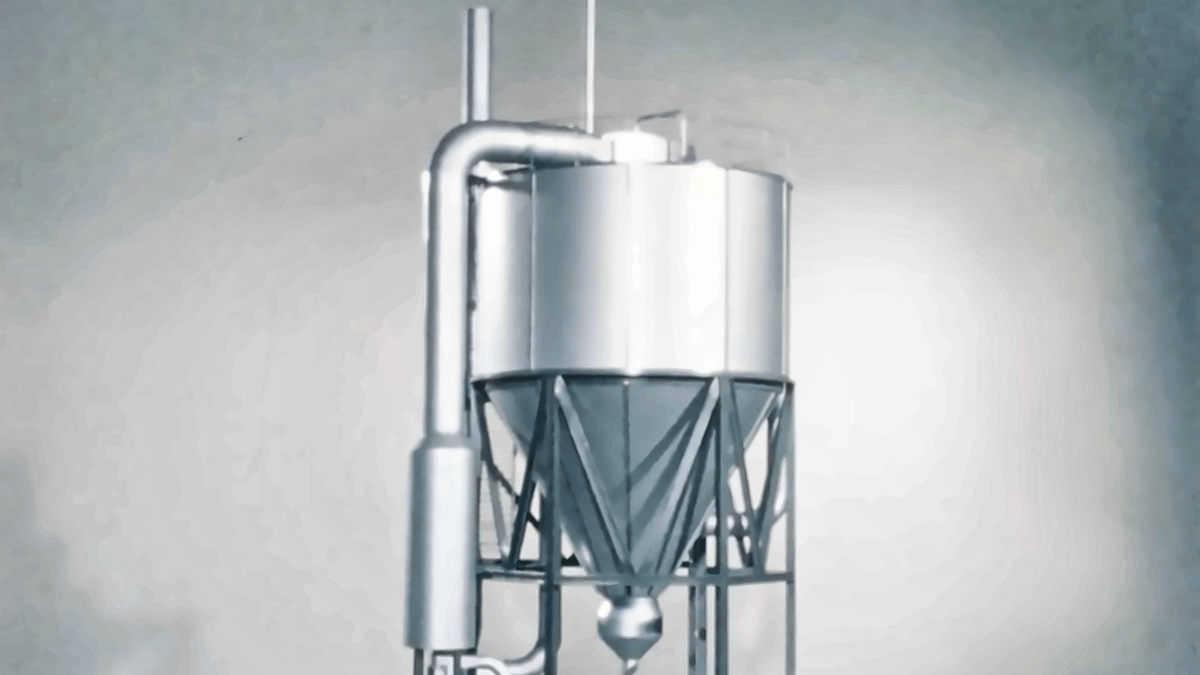
Sprey kurutmayı değiştiren dönüm noktası
1976 yılında, NIRO mühendisleri, sprey kurutmanın neler yapabileceğini yeniden değerlendirerek rekabet ortamındaki bir zorluğa yanıt verdiler. Fikirleri, çok aşamalı MSD kurutucusuna dönüştü. Elli yıl sonra, aynı temel ilke, sıvıların dünyanın dört bir yanında temel besin ürünlerinde ve önemli ilaçlarda kullanılan tozlara dönüştürülmesine yardımcı olmaktadır. On yıllarca geçmişe dayanan mühendislik uzmanlığı, müşteri anlayışı ve sürekli geliştirme ile olgunlaşan MSD, kalıcı etkiye sahip bir inovasyon öyküsüdür.
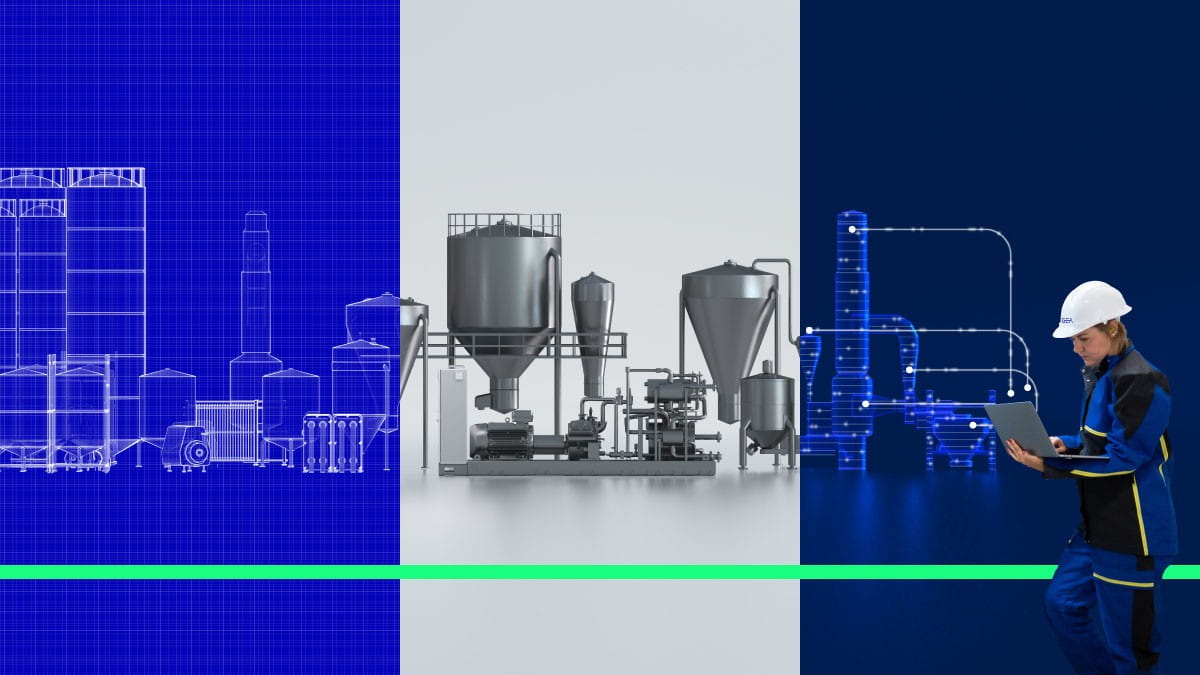
Makineden fazlası: Daha iyi bir tesis performansının kilidini açar
Verimli bir makine, otomatik olarak verimli bir fabrika anlamına gelmez. Gerçek iyileştirme, genellikle münferit ekipmanların ötesine bakıp proseslerin, enerji sistemlerinin ve işletme kararlarının birbirlerini nasıl etkilediğini anlamakla başlar. Bu, normalde gözden kaçırılabilecek fırsatları ortaya çıkarmak üzere tasarlanmış bütünsel bir yaklaşımdır.
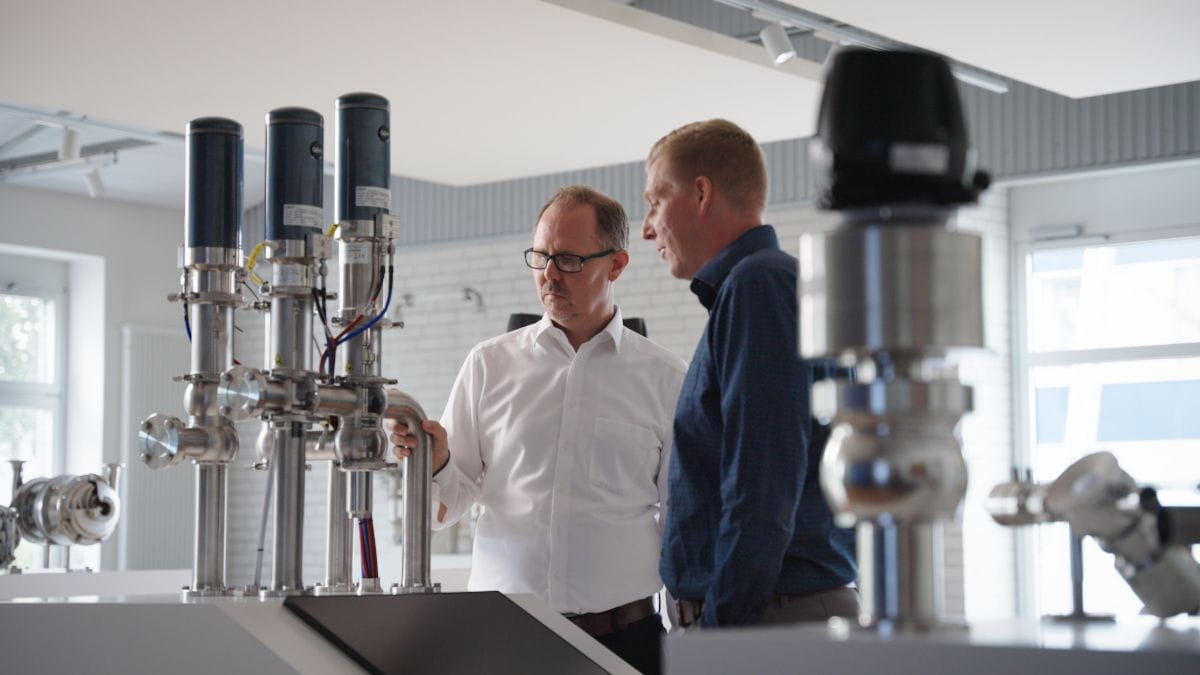
Bir vana, yiyecek ve içeceklerin üretilme yöntemini nasıl yeniden şekillendiriyor?
Yiyecek ve içecek tesislerinde, vanalar genellikle tazyikli hava kullanılarak çalıştırılır. GEA Hydract® Actuation Technology, kapalı ve dijital olarak kontrol edilen bir devre içinde vanaları su yardımıyla hareket ettirir. Sonuç, tam olarak yerinde tutulabilen ve hassas ayarlanan adımlarla yönlendirilebilen bir vanadır. Bu, daha az enerji kullanımı ve daha fazla kontrol sağlar.
Improved transparency and usability through user-centric design
Its smart functions for line integration offer immediate added value for line applications, so they can be used immediately and without further configuration. GEA SmartControl HMI enables more than just integration with GEA equipment – it also provides access to third-party user interfaces. The new GEA SmartControl HMI platform delivers unprecedented levels of transparency over current and historical process data and events. The highly modular and hygienic hardware design of the multi-touch display allows for ergonomic operation that meets even the most complex user requirements.
Available for:
GEA SmartControl HMI is now available for GEA OptiSlicer, GEA PowerPak PLUS and GEA SmartPacker.
Improved user-friendliness thanks to user-oriented design
- Context-sensitive searches; for example by recipe, parameter, alarm or change log events
- Simplified and standardized navigation for different machine types
- Increased process reliability due to role-based user administration with authorization management
- Easy dashboard overview with the most needed parameters and KPI's for the equipment
- Modular maintenance friendly and hygienic, multi-touch display
- Access manuals, electric diagrams and spare parts list directly at the Machine HMI
Transparent process information & recipe handling
- Timeline function provides instant overview of what is happening at the machine
- Complete transparency over the process history and parameter changes enabling easy analysis
- Recipe management with automatic recipe versioning to easily restore previous versions
- Sophisticated search function gives insight into all alarm history for better analysis
HMI integration into the line
- Integration of different user interfaces in the line
- Thanks to the system's open design also older GEA machines and 3rd pary equipment can be integrated
- Helps increase operator productivity and easy access
- Easy handling from one user interface for the complete line
Retrofitting a GEA SmartControl HMI
The new GEA SmartControl HMI can also be retrofitted to existing machines, adding value and new functions to previously installed units as well. Depending on the year of manufacture, this can be done by replacing the HMI system or upgrading the control system to the latest standard.
Key features
Key featuresNew role-based user management
Permission assignments to role
A new role-based user management with fine granular permission system supports better adaptation to the needs of your team structure. Raise process safety and reflect responsibilities according to your organisational setup. The management of individual users is accompanied by more comfort. For example, the language selected by the user is automatically set when logging in. Several methods are support for authentication. It starts with simple shared passwords, supports the usage of RFID transponders, and goes as far as the usage of Active Directory (LDAP) for a central management.
Timeline
Timeline shows all important events at a glance
The new timeline feature gives an immediate overview on what happened at the machine. Showing constantly the performance and important events, it brings users instantly up to date. Was a parameter changed? Since when is the machine stopped? Look at the timeline. Need to align with a colleague of the next shift? Look at the timeline.
Advanced recipe management
Recipe versioning lets you track when and by whom changes where made
Managing recipes (process parameters) is an important step to establish good control of the process. Undocumented changes to recipes will not be a hassle for you anymore. GEA SmartControl HMI provides automatic recipe versioning. Saving a recipe automatically creates a new version and by that makes changes traceable (when and who). Mistakes can easily be undone by restoring previous versions.
Line integration
Line View gives access to other user interfaces (incl. 3rd-party)
A food processing line can be long and not all equipment is easily accessible. GEA SmartControl HMI allows integration of user interfaces from equipment in the line to facilitate the access. The open design allows not only to integrate GEA SmartControl equipment, also older GEA machines, or third-party equipment. Devices like printers or weighers can be accessed at ease by the operator, raising ergonomics and efficiency of the line.
Multi-HMI scenarios
Access to other GEA SmartControl HMI devices
If two or more HMIs are required for an efficient operation of the equipment, the new GEA SmartControl HMI supports multi-HMI scenarios. This allows for example to place HMIs in different hygienic areas with true concurrent operation.
