


Improved transparency and usability through user-centric design
Its smart functions for line integration offer immediate added value for line applications, so they can be used immediately and without further configuration. GEA SmartControl HMI enables more than just integration with GEA equipment – it also provides access to third-party user interfaces. The new GEA SmartControl HMI platform delivers unprecedented levels of transparency over current and historical process data and events. The highly modular and hygienic hardware design of the multi-touch display allows for ergonomic operation that meets even the most complex user requirements.
Available for:
GEA SmartControl HMI is now available for GEA OptiSlicer, GEA PowerPak PLUS and GEA SmartPacker.
Improved user-friendliness thanks to user-oriented design
- Context-sensitive searches; for example by recipe, parameter, alarm or change log events
- Simplified and standardized navigation for different machine types
- Increased process reliability due to role-based user administration with authorization management
- Easy dashboard overview with the most needed parameters and KPI's for the equipment
- Modular maintenance friendly and hygienic, multi-touch display
- Access manuals, electric diagrams and spare parts list directly at the Machine HMI
Transparent process information & recipe handling
- Timeline function provides instant overview of what is happening at the machine
- Complete transparency over the process history and parameter changes enabling easy analysis
- Recipe management with automatic recipe versioning to easily restore previous versions
- Sophisticated search function gives insight into all alarm history for better analysis
HMI integration into the line
- Integration of different user interfaces in the line
- Thanks to the system's open design also older GEA machines and 3rd pary equipment can be integrated
- Helps increase operator productivity and easy access
- Easy handling from one user interface for the complete line
Retrofitting a GEA SmartControl HMI
The new GEA SmartControl HMI can also be retrofitted to existing machines, adding value and new functions to previously installed units as well. Depending on the year of manufacture, this can be done by replacing the HMI system or upgrading the control system to the latest standard.
Key features
Key featuresNew role-based user management

Permission assignments to role
A new role-based user management with fine granular permission system supports better adaptation to the needs of your team structure. Raise process safety and reflect responsibilities according to your organisational setup. The management of individual users is accompanied by more comfort. For example, the language selected by the user is automatically set when logging in. Several methods are support for authentication. It starts with simple shared passwords, supports the usage of RFID transponders, and goes as far as the usage of Active Directory (LDAP) for a central management.
Timeline

Timeline shows all important events at a glance
The new timeline feature gives an immediate overview on what happened at the machine. Showing constantly the performance and important events, it brings users instantly up to date. Was a parameter changed? Since when is the machine stopped? Look at the timeline. Need to align with a colleague of the next shift? Look at the timeline.
Advanced recipe management

Recipe versioning lets you track when and by whom changes where made
Managing recipes (process parameters) is an important step to establish good control of the process. Undocumented changes to recipes will not be a hassle for you anymore. GEA SmartControl HMI provides automatic recipe versioning. Saving a recipe automatically creates a new version and by that makes changes traceable (when and who). Mistakes can easily be undone by restoring previous versions.
Line integration

Line View gives access to other user interfaces (incl. 3rd-party)
A food processing line can be long and not all equipment is easily accessible. GEA SmartControl HMI allows integration of user interfaces from equipment in the line to facilitate the access. The open design allows not only to integrate GEA SmartControl equipment, also older GEA machines, or third-party equipment. Devices like printers or weighers can be accessed at ease by the operator, raising ergonomics and efficiency of the line.
Multi-HMI scenarios

Access to other GEA SmartControl HMI devices
If two or more HMIs are required for an efficient operation of the equipment, the new GEA SmartControl HMI supports multi-HMI scenarios. This allows for example to place HMIs in different hygienic areas with true concurrent operation.
Downloads

Produkty serwisowe

Najwyższej klasy oleje do amoniakalnych systemów chłodniczych PR-OLEO®
Najwyższej klasy oleje do amoniakalnych systemów chłodniczych PR-OLEO® to wysoko rafinowane dwuetapowe hydrokrakowane smary opracowane specjalnie do zastosowania w amoniakalnych systemach chłodniczych ze sprężarkami tłokowymi i śrubowymi.

Panel modernizacyjny GEA Omni
Intuicyjny panel dotykowy do sterowania sprężarkami śrubowymi i tłokowymi. Zaawansowany a jednocześnie przystępny. Inteligenty a jednocześnie intuicyjny. Skomplikowany a jednocześnie prosty. Po prostu — GEA Omni.

Zestawy GEA Service do sprężarek śrubowych i tłokowych
Witaj w świecie prostoty z zestawami GEA Service do sprężarek śrubowych i tłokowych. Nasze zadanie jest jasne: sprawić, by Twoje doświadczenia związane z oryginalnymi częściami zamiennymi były bezproblemowe, a produkcja przebiegała płynniej niż kiedykolwiek wcześniej. „Odpręż się, użyj zestawu” to nie zwykły slogan, ale i obietnica, którą realizu...
GEA Insights
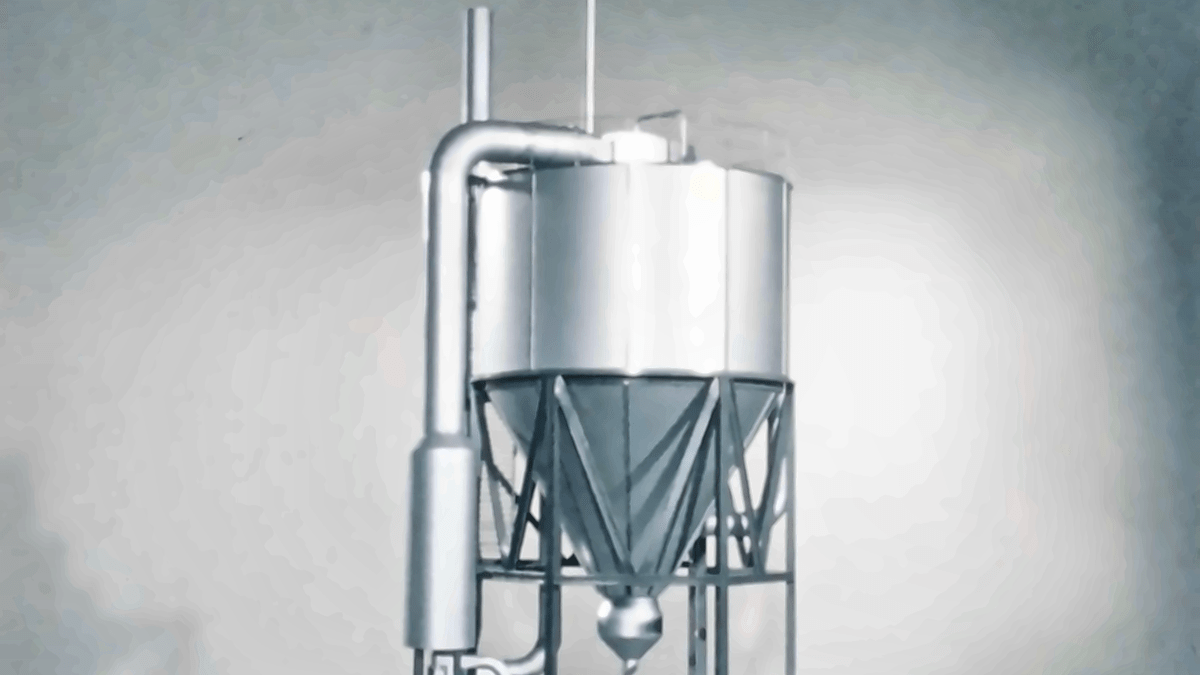
The breakthrough that changed spray drying
In 1976, NIRO engineers responded to a competitive challenge by rethinking what spray drying could do. Their idea became the multi-stage dryer MSD. Fifty years later, the same fundamental principle helps turn liquids into the powders used in essential nutrition products and important medicines around the world. Refined through decades of engineering expertise, customer insight and continuous development, MSD is a story of innovation with lasting impact.
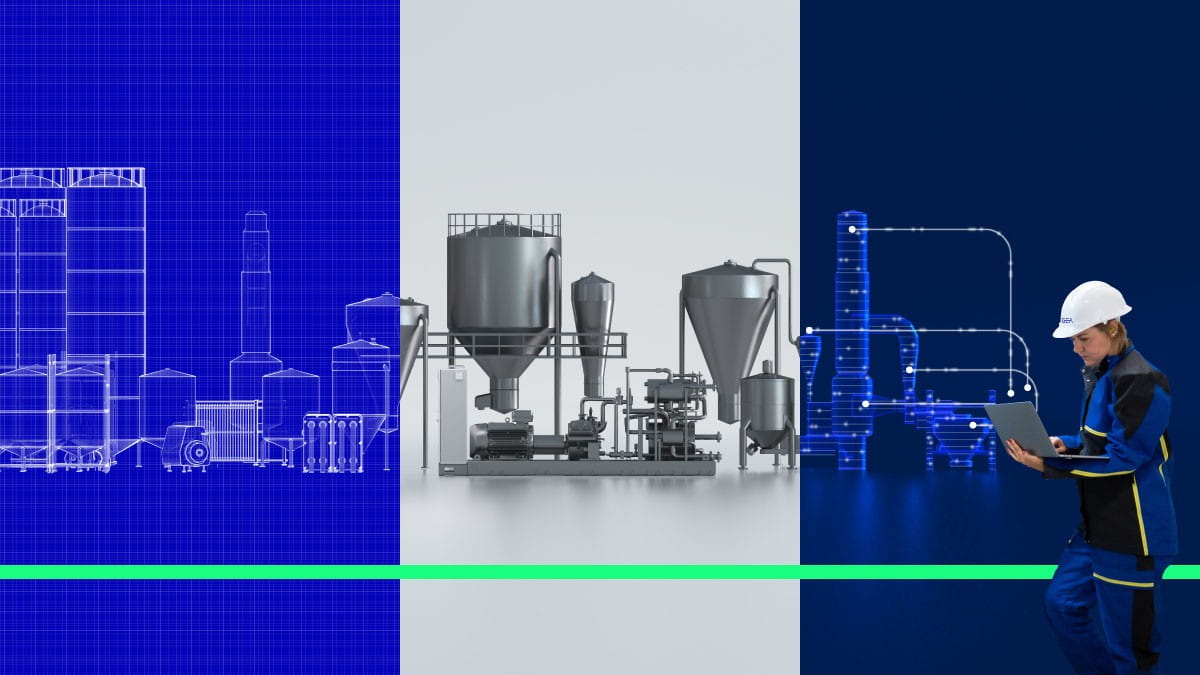
Więcej niż maszyna: klucz do poprawy wydajności zakładu
Wydajność maszyny nie przekłada się automatycznie na wydajność fabryki. Prawdziwa poprawa często zaczyna się od wyjścia poza ramy poszczególnych urządzeń i zrozumienia, w jaki sposób wzajemnie na siebie oddziałują procesy, systemy energetyczne i decyzje operacyjne. Jest to podejście kompleksowe, mające na celu odkrycie możliwości, które w przeciwnym razie mogłyby zostać przeoczone.
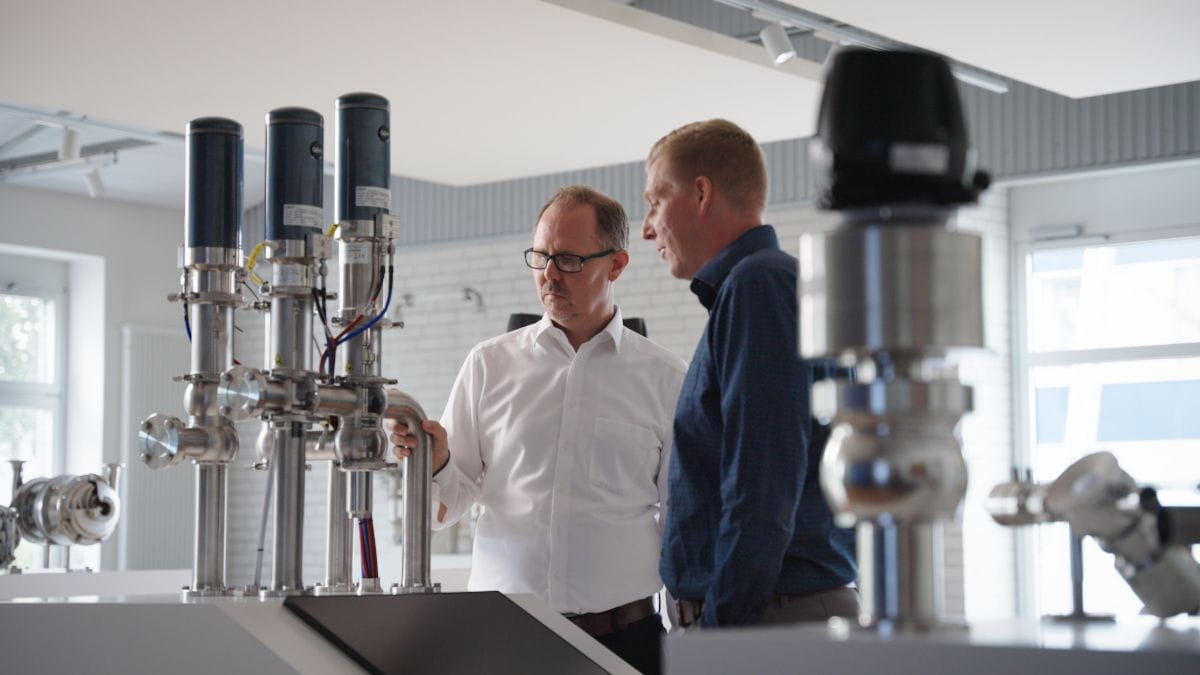
W jaki sposób zawór może wpływać na sposób produkcji żywności i napojów
Zazwyczaj w zakładach produkujących żywność i napoje zawory są uruchamiane za pomocą sprężonego powietrza. Tymczasem w GEA Hydract® Actuation Technology do sterowania zaworami wykorzystuje się wodę w zamkniętym obiegu sterowanym cyfrowo. W rezultacie otrzymujemy zawór, który można precyzyjnie utrzymać w odpowiednim położeniu i sterować nim z dużą dokładnością. Skutkuje to mniejszym zużyciem energii i większą kontrolą.
Improved transparency and usability through user-centric design
Its smart functions for line integration offer immediate added value for line applications, so they can be used immediately and without further configuration. GEA SmartControl HMI enables more than just integration with GEA equipment – it also provides access to third-party user interfaces. The new GEA SmartControl HMI platform delivers unprecedented levels of transparency over current and historical process data and events. The highly modular and hygienic hardware design of the multi-touch display allows for ergonomic operation that meets even the most complex user requirements.
Available for:
GEA SmartControl HMI is now available for GEA OptiSlicer, GEA PowerPak PLUS and GEA SmartPacker.
Improved user-friendliness thanks to user-oriented design
- Context-sensitive searches; for example by recipe, parameter, alarm or change log events
- Simplified and standardized navigation for different machine types
- Increased process reliability due to role-based user administration with authorization management
- Easy dashboard overview with the most needed parameters and KPI's for the equipment
- Modular maintenance friendly and hygienic, multi-touch display
- Access manuals, electric diagrams and spare parts list directly at the Machine HMI
Transparent process information & recipe handling
- Timeline function provides instant overview of what is happening at the machine
- Complete transparency over the process history and parameter changes enabling easy analysis
- Recipe management with automatic recipe versioning to easily restore previous versions
- Sophisticated search function gives insight into all alarm history for better analysis
HMI integration into the line
- Integration of different user interfaces in the line
- Thanks to the system's open design also older GEA machines and 3rd pary equipment can be integrated
- Helps increase operator productivity and easy access
- Easy handling from one user interface for the complete line
Retrofitting a GEA SmartControl HMI
The new GEA SmartControl HMI can also be retrofitted to existing machines, adding value and new functions to previously installed units as well. Depending on the year of manufacture, this can be done by replacing the HMI system or upgrading the control system to the latest standard.
Key features
Key featuresNew role-based user management
Permission assignments to role
A new role-based user management with fine granular permission system supports better adaptation to the needs of your team structure. Raise process safety and reflect responsibilities according to your organisational setup. The management of individual users is accompanied by more comfort. For example, the language selected by the user is automatically set when logging in. Several methods are support for authentication. It starts with simple shared passwords, supports the usage of RFID transponders, and goes as far as the usage of Active Directory (LDAP) for a central management.
Timeline
Timeline shows all important events at a glance
The new timeline feature gives an immediate overview on what happened at the machine. Showing constantly the performance and important events, it brings users instantly up to date. Was a parameter changed? Since when is the machine stopped? Look at the timeline. Need to align with a colleague of the next shift? Look at the timeline.
Advanced recipe management
Recipe versioning lets you track when and by whom changes where made
Managing recipes (process parameters) is an important step to establish good control of the process. Undocumented changes to recipes will not be a hassle for you anymore. GEA SmartControl HMI provides automatic recipe versioning. Saving a recipe automatically creates a new version and by that makes changes traceable (when and who). Mistakes can easily be undone by restoring previous versions.
Line integration
Line View gives access to other user interfaces (incl. 3rd-party)
A food processing line can be long and not all equipment is easily accessible. GEA SmartControl HMI allows integration of user interfaces from equipment in the line to facilitate the access. The open design allows not only to integrate GEA SmartControl equipment, also older GEA machines, or third-party equipment. Devices like printers or weighers can be accessed at ease by the operator, raising ergonomics and efficiency of the line.
Multi-HMI scenarios
Access to other GEA SmartControl HMI devices
If two or more HMIs are required for an efficient operation of the equipment, the new GEA SmartControl HMI supports multi-HMI scenarios. This allows for example to place HMIs in different hygienic areas with true concurrent operation.
